A 12 person finance team that lives in your inbox.
Placeholder subhead — the first AI bookkeeper that lives in your email inbox and closes the books while you sleep.
- Lives in your inbox
- Syncs to your books
- Audit-ready trail
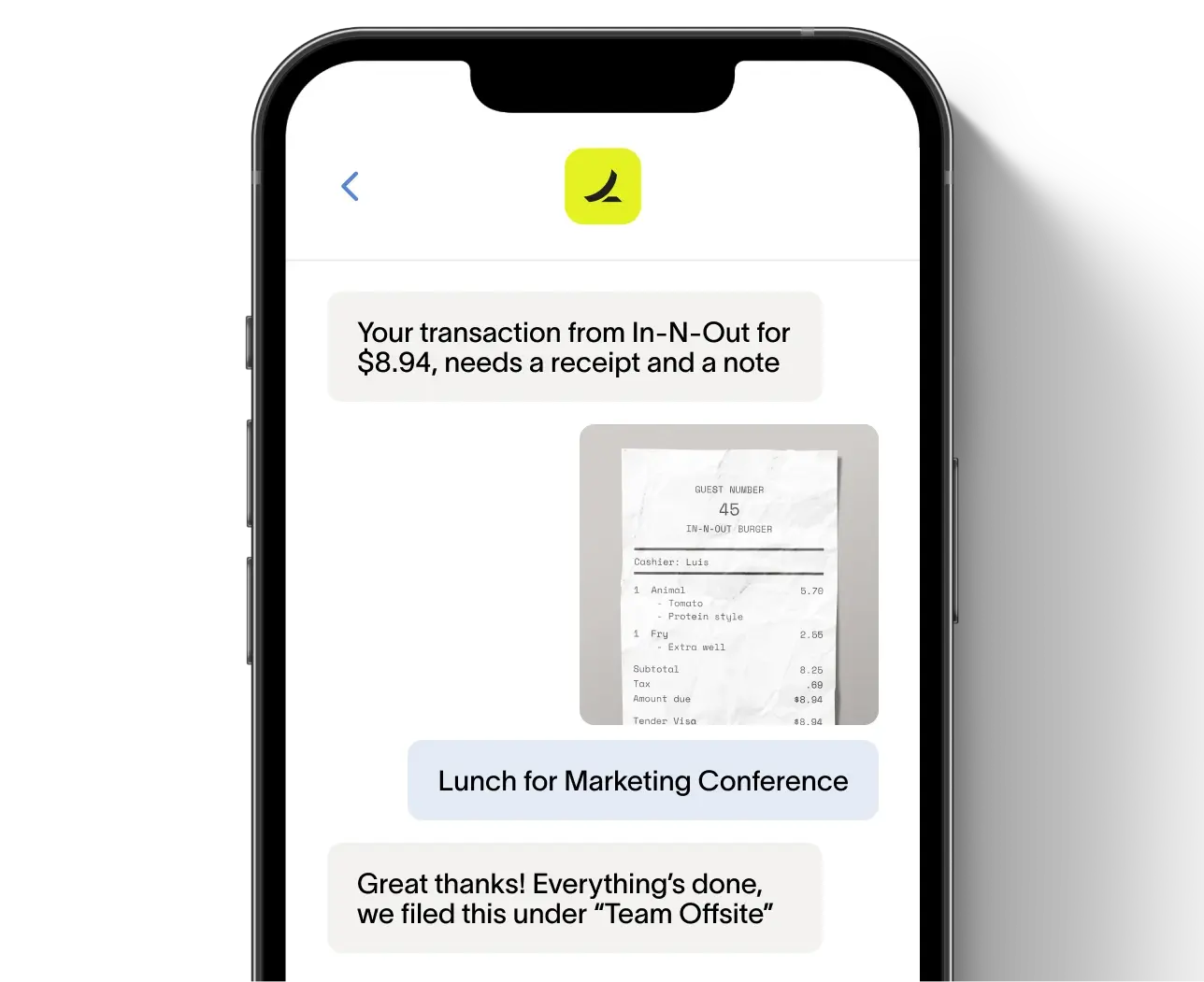


How Penny works placeholder.
1. Forward your bills
Placeholder body — drop bills into Penny by email or sync from your ERP.
2. Penny codes and routes
Placeholder body — Penny reads, codes, and sends each bill for approval.
3. Approve in one tap
Placeholder body — approvers review and approve from email, Slack, or mobile.
4. Sync to your books
Placeholder body — every approved bill posts to QuickBooks or NetSuite automatically.
What Penny handles placeholder.
Placeholder subhead describing the categories of bookkeeping work Penny automates.
Categorize transactions
Placeholder body — Penny reads every bill and payment and codes it to the right account.
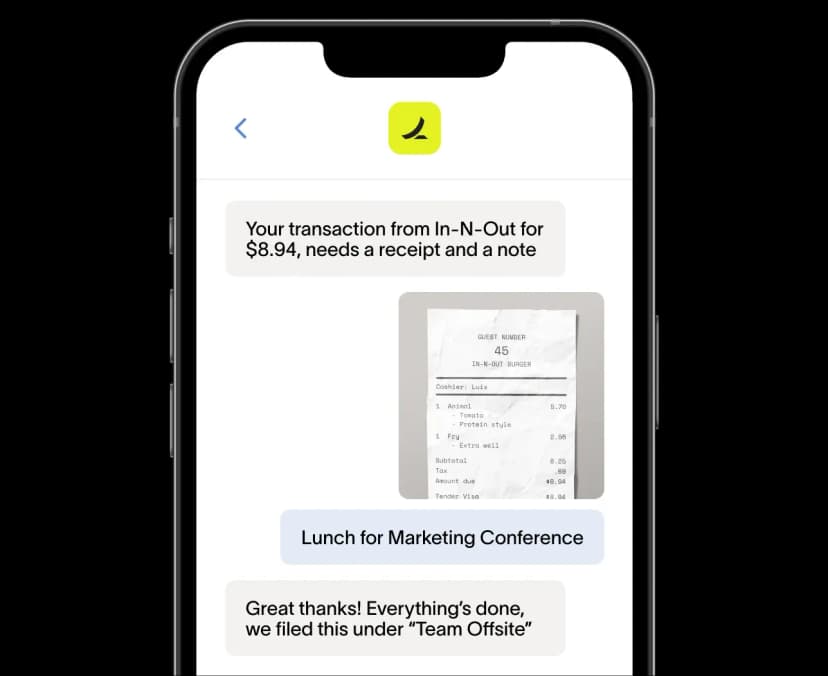
Reconcile in real time
Placeholder body — Penny matches statements to entries continuously, not at month-end.
Chase missing receipts
Placeholder body — Penny emails the right person until every transaction has documentation.
Flag anomalies
Placeholder body — Penny surfaces duplicate bills, off-pattern spend, and policy violations.

Placeholder quote — Penny replaced our bookkeeper. Books are closed every Friday, not three weeks after month-end.
James Bond
Production Manager, Stripe
Why Penny works placeholder.
Placeholder subhead describing the underlying mechanics that make Penny reliable.
Trained on your books
Placeholder body — Penny learns your chart of accounts and approval rules from day one.
Audit trail on everything
Placeholder body — every action Penny takes is logged with timestamps and links to source documents.
Humans stay in control
Placeholder body — Penny surfaces, you approve. Nothing moves without a person in the loop.
Works with your stack
Placeholder body — connects to QuickBooks, NetSuite, Sage, and any ERP via API.
Everything Penny can do placeholder.
Bill capture
Placeholder body — extracts vendor, dates, and line items from any inbox or upload.
Auto-coding
Placeholder body — codes each bill to the right GL account based on your history.
Approval routing
Placeholder body — sends bills to the right approver by amount, vendor, or department.
Continuous reconciliation
Placeholder body — matches statements to entries in real time, not at month-end.
Anomaly flagging
Placeholder body — surfaces duplicate bills, off-pattern spend, and policy violations.
Live ERP sync
Placeholder body — posts every approved bill to QuickBooks, NetSuite, or Sage instantly.
Frequently asked questions
See what you'll save. Estimate using our awesome calculator
Savings calculator →See a demo. See how Nickel can improve your cashflow in 30 minutes.
Talk to our experts →